
Quick guide
Talent+ · Find talent for your company
Publish opportunities and connect with candidates through your corporate membership.
Screenshots use fictional people and companies. Select an image to enlarge it.
Open Jobs in Member Area
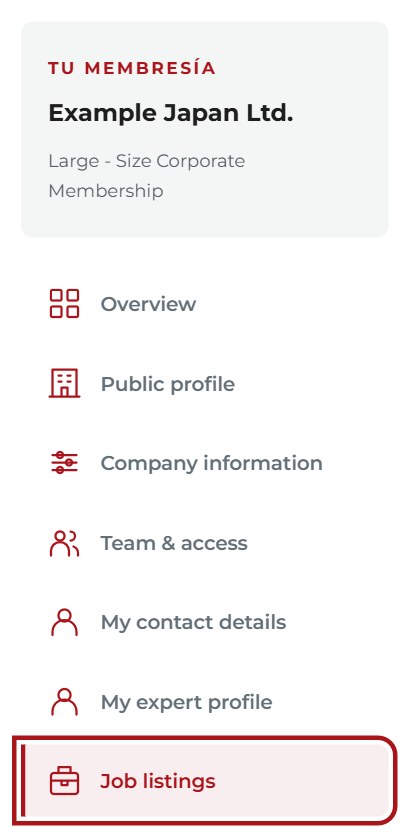
Sign in with your company’s representative or delegate account and choose Jobs. Select the right company if you manage more than one.
Enlarge screenshot ↗ More details
Open Member Area using the account linked to your company as principal representative or delegate. The corporate membership must be active. If you manage more than one company, select the right one before continuing.
Create your vacancy
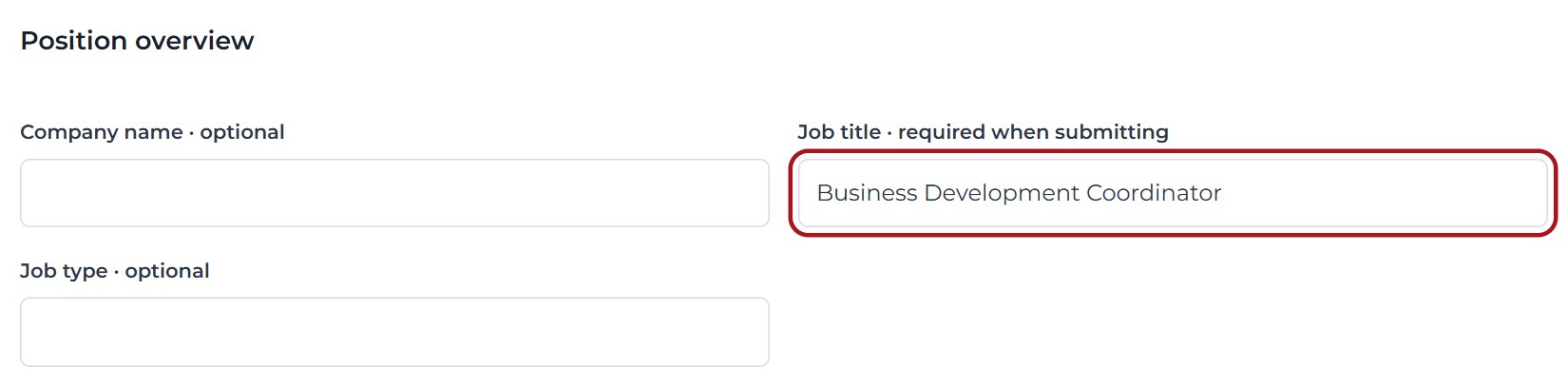
Choose Create job and complete the role and description. Add an application method and closing date so candidates know how and when to apply.
Enlarge screenshot ↗ More details
Open Jobs and complete the role, description, location, application instructions and deadline. Save a draft or preview it before sending it for review. A saved draft is not a published vacancy.
Preview and send for review
Save a draft while preparing the listing. Use Save and preview to check it, then Send job for review. The Chamber reviews it before publication.

Enlarge screenshot ↗ More details
Send the vacancy for review. The Chamber reviews it before publication. Return to Jobs to check its status, edit it or close it when filled. Saving edits as a draft or submitting them for review changes the listing's publication status.
Unlock candidate access
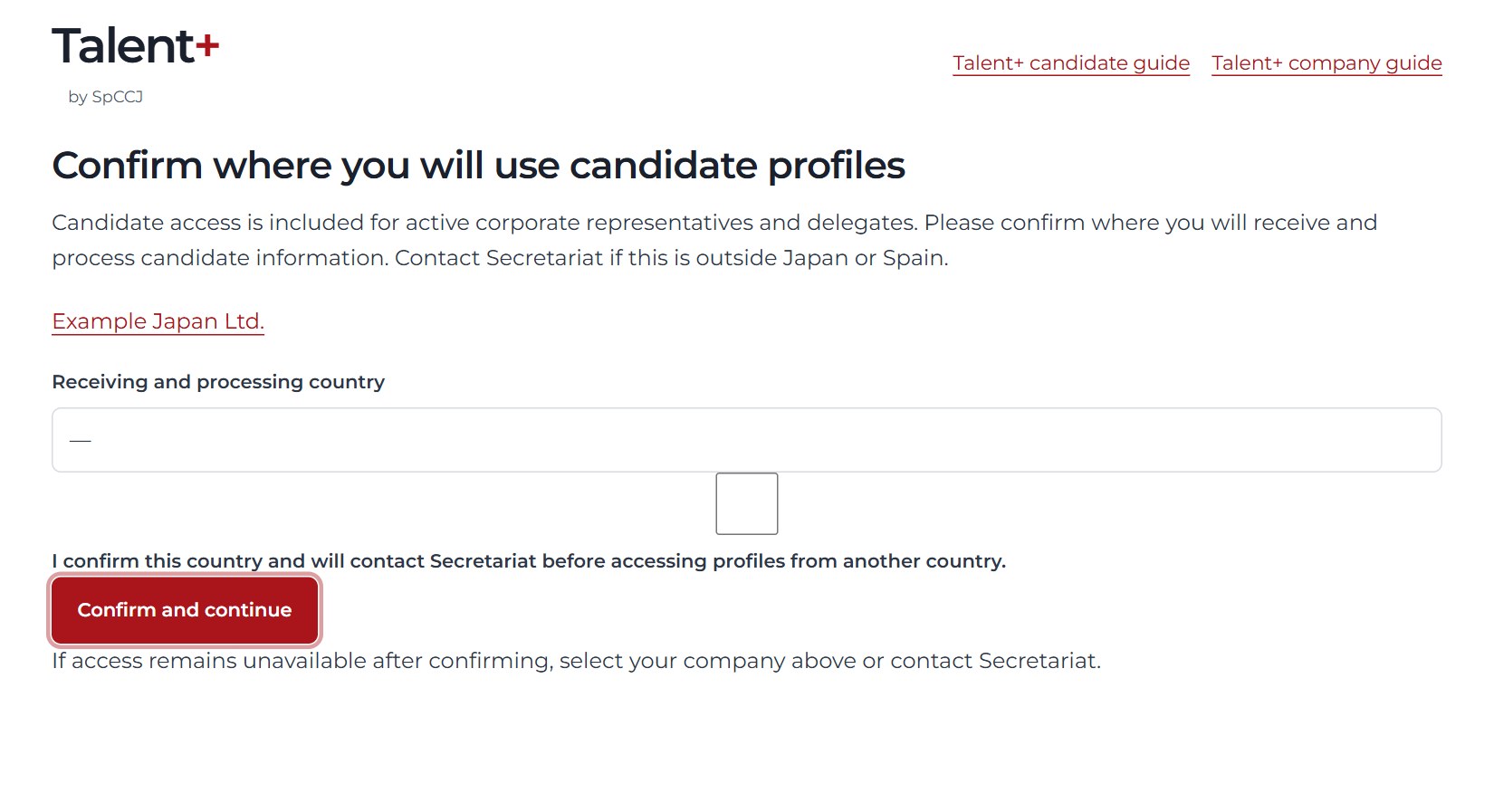
Open Candidates. Confirm Japan or Spain as your access country, then read and accept the candidate access conditions. Each representative or delegate does this individually.
Enlarge screenshot ↗ More details
Open the candidate section in Member Area. Each user must accept the recruiting conditions and confirm the permitted country of access: Japan or Spain. Only profiles that verified candidates have chosen to share and that remain eligible are available.
Find and contact a candidate
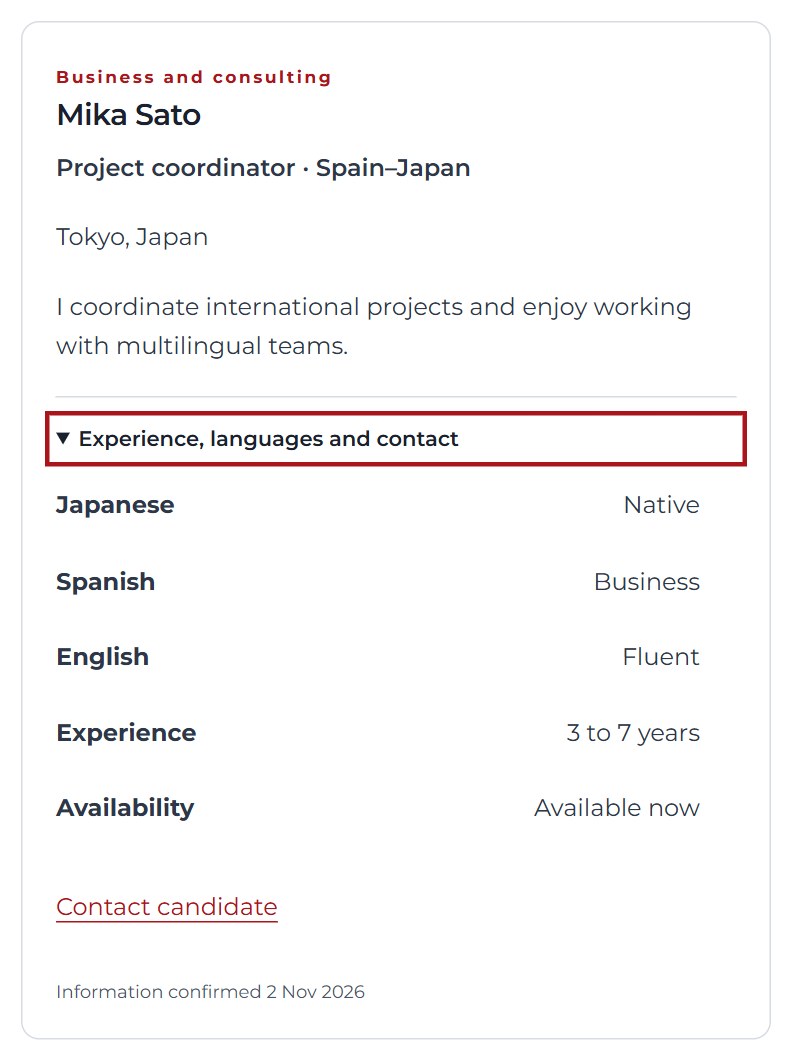
Search the talent pool and open Experience, languages and contact on a profile. Use Contact candidate only for a relevant professional opportunity.
Enlarge screenshot ↗ More details
Use the professional contact details provided for relevant job opportunities. Keep information confidential and follow the accepted conditions, including withdrawal or deletion requests communicated by Secretariat. A shared profile is not an application to your vacancy.
Common questions
A colleague cannot access the recruiting tools
Ask Secretariat to check their own account's link to your active corporate membership. Do not share your password. A Conecta+ invitation alone does not grant company management permissions.
Why can I no longer see a candidate?
Candidates can hide or delete their profile, and sharing expires unless renewed. Availability may change. Do not assume that an older copy is still current.
Does creating a vacancy automatically send a newsletter?
Do not assume so. Vacancy publication and recruitment email subscriptions are separate. Contact Secretariat to confirm the notification options currently available.
Can I access profiles from another country?
The current candidate access arrangement covers Japan and Spain. Contact Secretariat before accessing from another country; do not select an inaccurate location.